
Easy Card Animation
Turn your card designs into cinematic renders in minutes

Designed for indiesCard designers3D artistsGame creatorsVisual designersMagicians
No AI shortcuts. Just real 3D
Download the Toolkit :


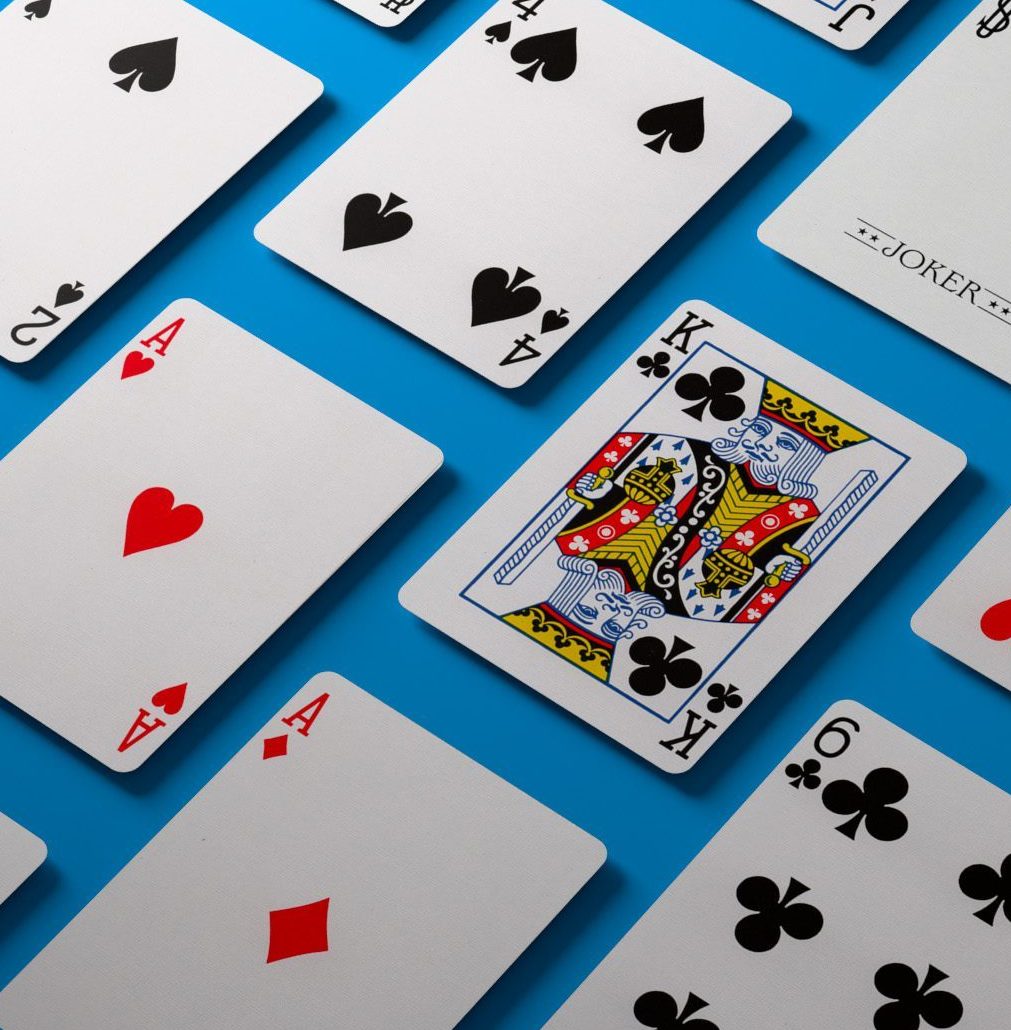
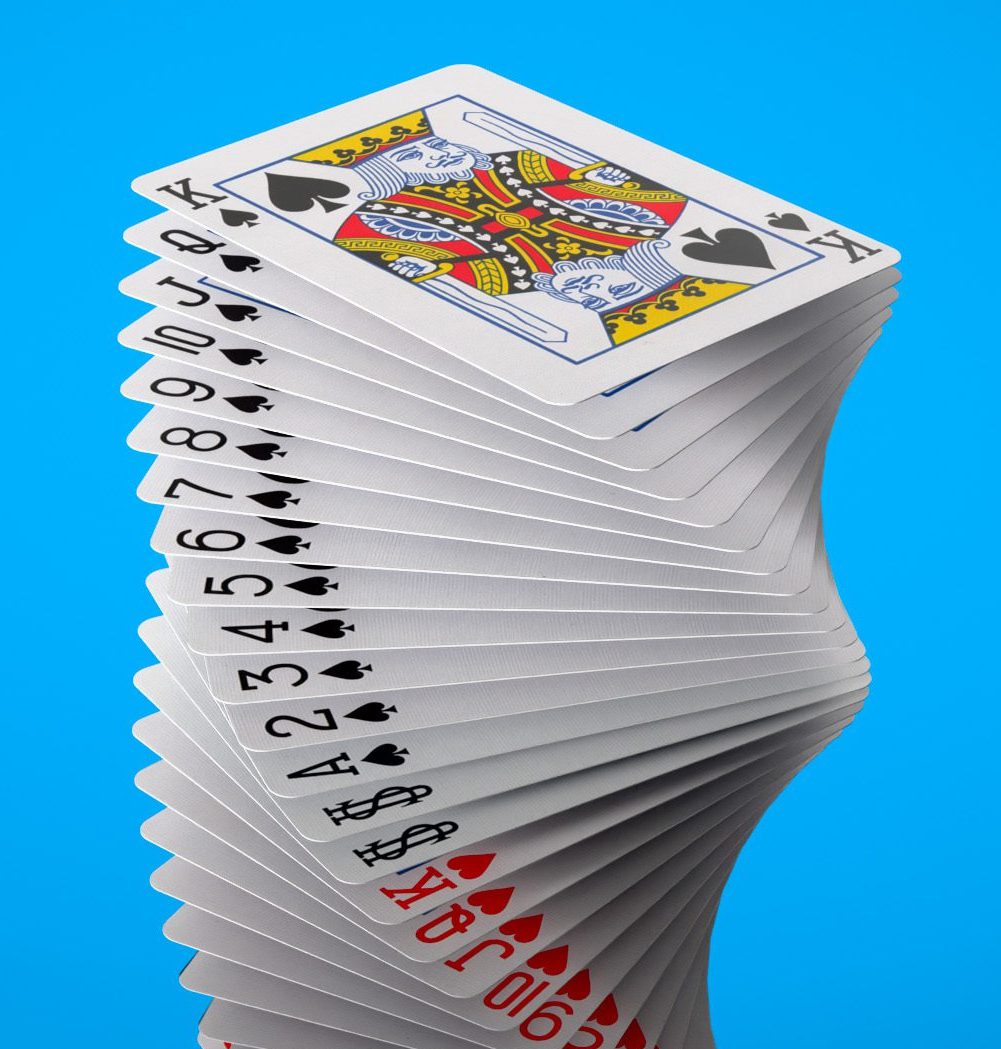
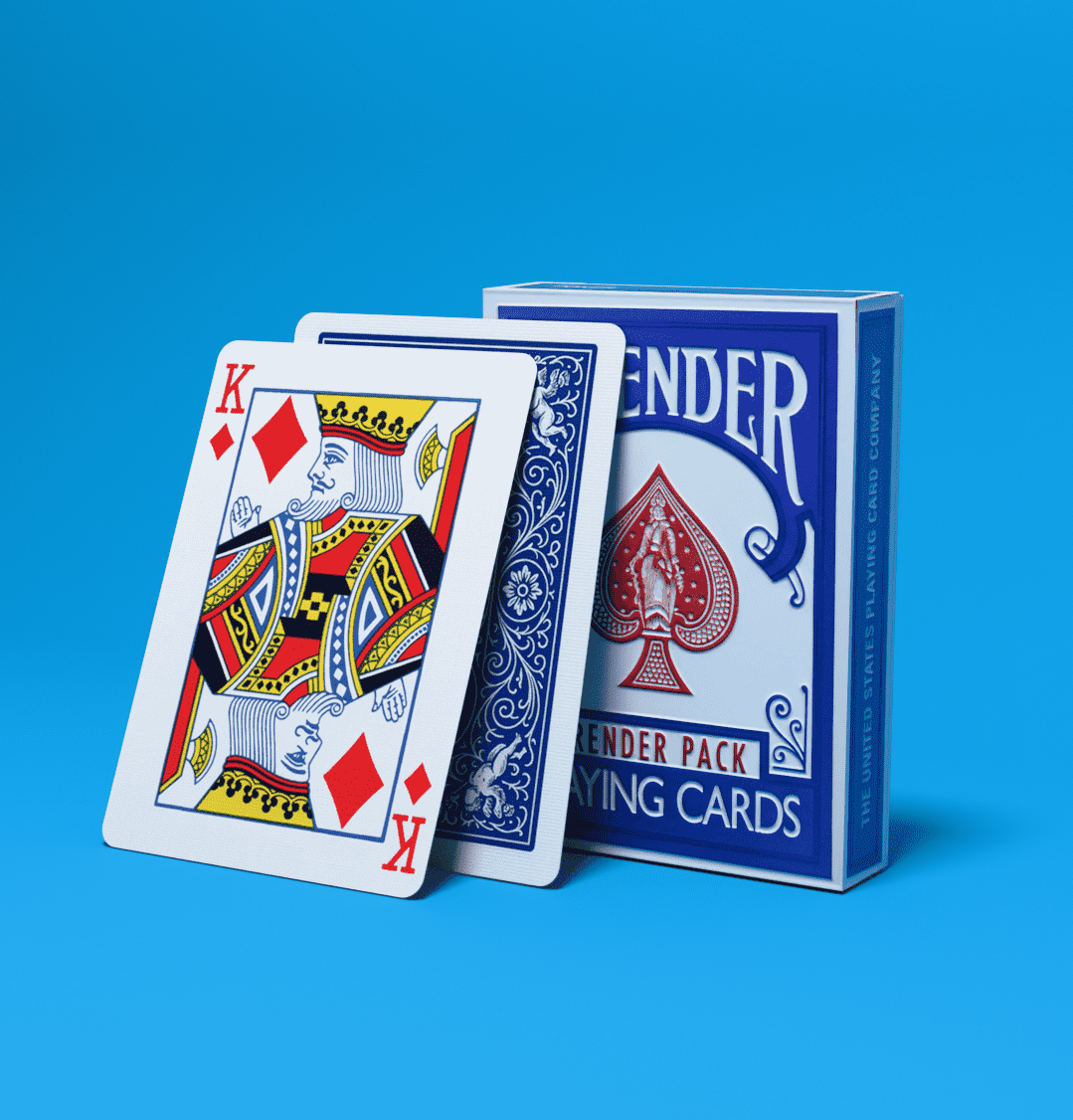
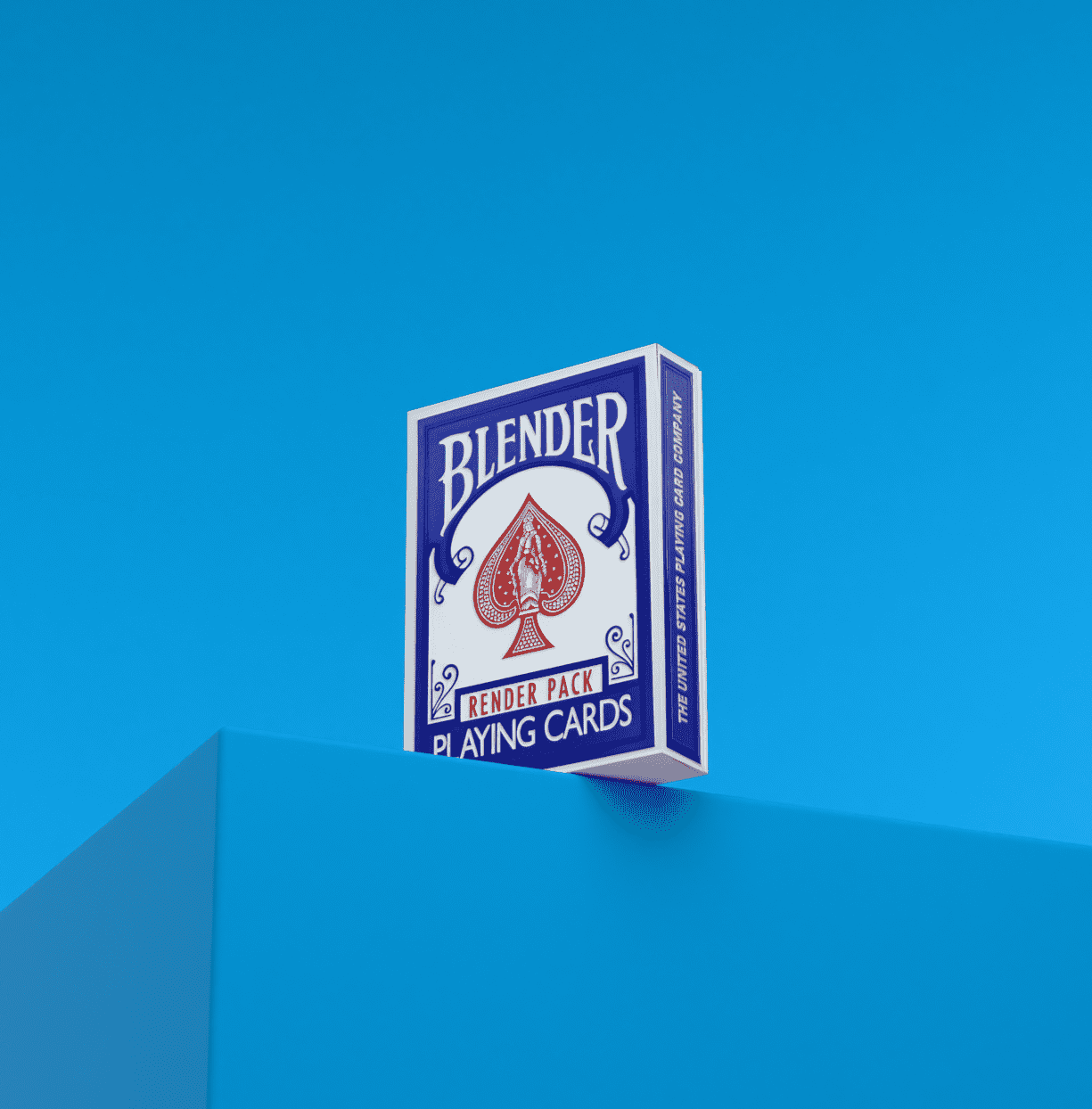
What is Easy Card Animations ?
Drop your card design
Open an animation preset
Hit render
Done
A complete Blender ecosystem
for cards designers and 3D artists.
From beginners to advanced Blender users
- HD 3D models
- Photoshop templates
- 30 .blend animation presets
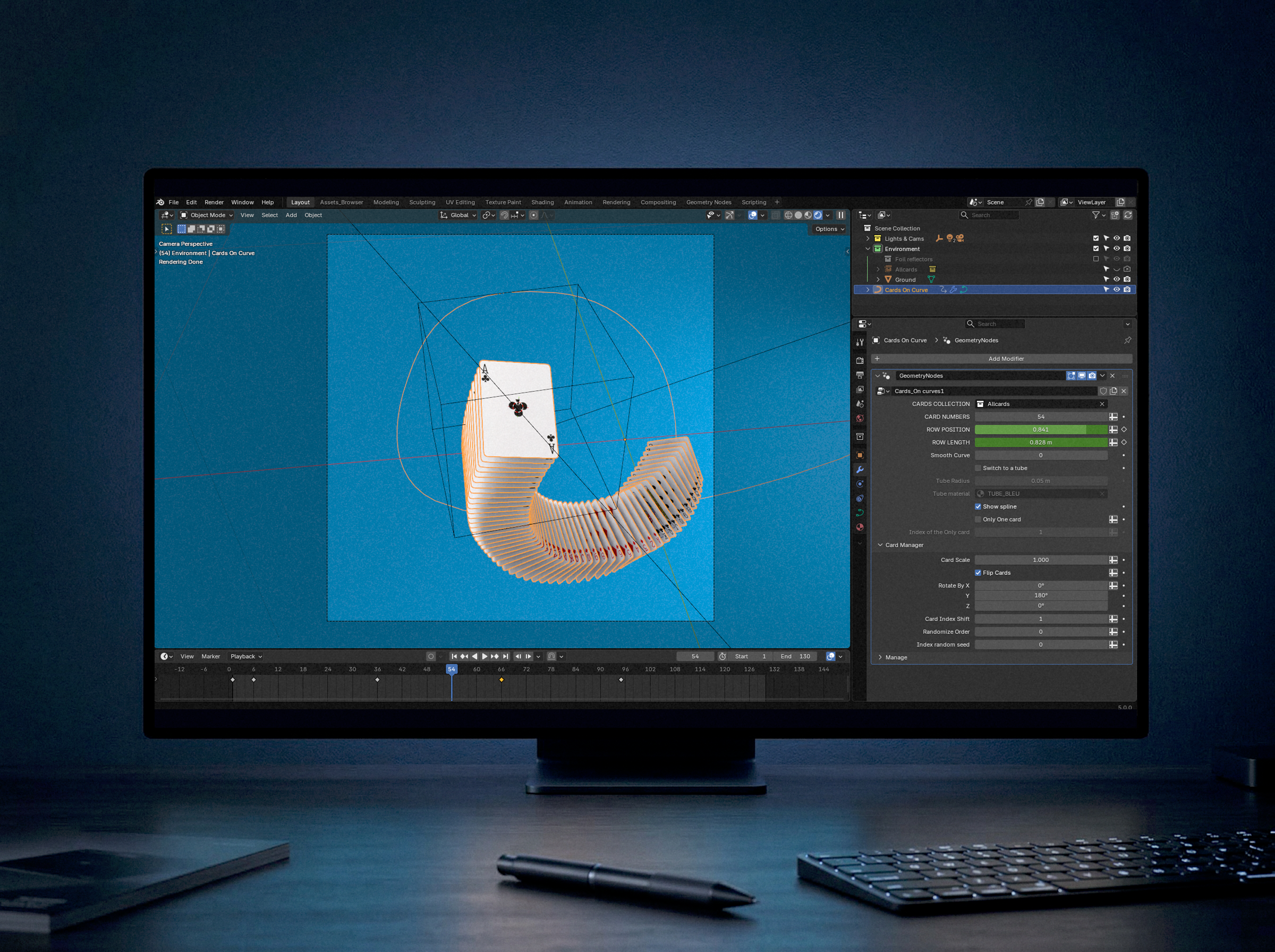
- 9 geometry nodes tools
- 3 addons
- A full user guide
Cards and tuck case
Fan
Wave
🎨 PSD Templates
Just drop your designs into the smart objects. All card faces and backs update instantly in Blender.
✨ High Quality 3D Models
High-fidelity poker size cards and rigged tuck case. Scanned air cushion paper texture and foil ready shaders
🎬 Animation Setup
Choose from 30+ pre-animated setups including fans, springs, and cascades. All setups are fully editable and completely non-destructive.
🛠️ Tailored Addons
3 Custom tools that speed up the workflow.
Auto-placement, Batch render and Quick libraries reload
3 Addons that save you hours in blender
Card Tools
Stop placing cards manually.
Automatically generate, align and control your cards in seconds.
Create fans, spreads or stacks without touching every object.
Perfect for fast iteration and clean layouts.
Super Batch Render
Render multiple shots in one click.
Queue your scenes, launch once, and let Blender do the work.
No more manual exporting, no more wasted time.
Ideal for producing large amounts of visuals quickly.
Reload Libraries
Instantly update all linked assets.
Changed your PSD or base file?
Reload everything in one click without reopening your scenes.
No broken workflow, no lost time.
Why I built this Solution ?
I kept doing the same work on every card project.
Working with designers, I was always rebuilding scenes and tweaking renders.
It was slow, repetitive, and hard to scale.
So I built a system:
Drop the design → pick a setup easy to modify → render
Now I use it on every card project, saving hours and making high-quality visuals accessible to smaller creators.
Where can I find a tutorial ?
You can learn how to use Easy Card Animations step by step.
A complete guide with visuals and clear instructions to get up and running fast :
A complete video tutorial is in progress
Pricing
Essential Pack
The perfect starter kit for creators.
Animations
- Fan_P1
- Fan_P2
- Wave_P1
- Curve_P1
- Curve_P2
- Cards_Lines_P1
- Floating_Cards_P1
- Tuck_Case_Cards_P1
- Tuck_Case_Unfold_P0
- Circus_Cards_P1
Geometry Nodes
- Cards Fan
- Cards On Curve
- One Card
Addon
- Cards Tools addon
Pro Pack
For professionals needing more variety.
Animations
- Fan_P1
- Fan_P2
- Fan_P3
- Wave_P1
- Wave_P2
- Wave_P3
- Curve_P1
- Curve_P2
- Curve_P3
- Curve_P4
- Cards_Lines_P1
- Cards_Lines_P2
- Cards_Lines_P3
- Floating_Cards_P1
- Floating_Cards_P2
- Tuck_Case_Cards_P1
- Tuck_Case_Cards_P2
- Tuck_Case_Unfold_P0
- Tuck_Case_Static_P1
- Circus_Cards_P1
Geometry Nodes
- Cards Fan
- Cards On Curve
- One Card
- Floating Cards
- Stack Deploy
Addons
- Cards tools addon
- Reload Libraries addon
Studio Pack
The complete toolkit
Animations
- Fan_P1
- Fan_P2
- Fan_P3
- Fan_P4
- Wave_P1
- Wave_P2
- Wave_P3
- Wave_P4
- Curve_P1
- Curve_P2
- Curve_P3
- Curve_P4
- Curve_P5
- Cards_Lines_P1
- Cards_Lines_P2
- Cards_Lines_P3
- Cards_Lines_P4
- Floating_Cards_P1
- Floating_Cards_P2
- Floating_Cards_P3
- Tuck_Case_Cards_P1
- Tuck_Case_Cards_P2
- Tuck_Case_Cards_P3
- Tuck_Case_Cards_P4
- Tuck_Case_Unfold_P0
- Tuck_Case_Unfold_P1
- Tuck_Case_Unfold_P2
- Tuck_Case_Static_P1
- Circus_Cards_P1
- Circus_Cards_P2
- Circus_Case_P1
Geometry Nodes
- Cards Fan
- Cards On Curve
- One Card
- Floating Cards
- Stack Deploy
- Cards Grid
- Cards Lines
- Cards Wave
- Circus Array
Addons
- Cards Tools addon
- Reload Librairies Addon
- Batch Render addon
No Blender ? I’ve got you
You don’t know Blender or don’t want to deal with it?
- Just send your card designs
- Pick your shots from the full list
- Choose a background color
- I’ll handle the rest.
You get polished 5-10 second shots, ready to use
3 Shots
130 € / shot
1 revision included
6 Shots
115 € / shot · Save 12%
2 revisions included
12 Shots
100 € / shot · Save 23%
3 revisions + dedicated call
Custom Work
Need something specific ?
Unique script
Custom animation
Specified environment
Full video edit with music
ON QUOTE
Frequently asked questions
No. This pack is compatible with Blender 5.0 and later. Earlier versions are not supported.
Yes, at least a little. The pack is designed to be easy, but you should already know the basics of Blender (navigation, timeline, selection), know where to find the Shader Editor, and understand basic export settings. It’s meant to be simple, but it requires an amateur level, not a complete beginner.
Yes, that’s the entire purpose of the product. Just drop your designs into the Photoshop Smart Objects, and your cards update automatically. The tuck case updates as well.
Only the amount of animations templates, GeoNodes and addons.
Download and unzip the .zip file. Then save its file path inside Blender (as your Asset Library location).
Animations are provided as separate .blend files.
The GeoNodes and 3D assets appear inside your Asset Browser once the library is registered.
Easy Card Animations is distributed under a commercial use license. You can use the assets in your personal or professional projects, but you may not redistribute, resell, share, or include the source files (Blend files, textures, Geometry Nodes, add-ons, or PSDs) in any product or library.
You get the right to use the assets, not to repackage or sell them.
You can choose any render format you want. By default, the pack is set up for a 1920×1920 px PNG image sequence.
Any machine capable of running Blender 5.0 will work. Render times depend on your hardware.
Recommended: GPU: Nvidia GTX / RTX, RAM: Minimum 16 GB (32 GB recommended).
Yes, via Gumroad and Superhive.
Yes. Easy Card Animations comes with a 30-day money-back guarantee (under conditions). Conditions will be listed on your Gumroad / Superhive page.
es. Support is available through Gumroad, Superhive, or the provided contact channels.
Contact me
Got a question, feedback, or a specific request? Reach out here.
Need hands-on help with the toolkit? I offer 1-on-1 coaching sessions via video call at €95/hour